
Download the Hospital App

NICU Egg for Hospitals

Let’s Get Started!
Staff Training

Product Owner Training
Access the full training deck for product owners outlining complete use of the NICU Egg system. The deck covers preparing the Eggs for use with patients and coaching parents.

Nurse Training
We’ve put together a short video to prepare nursing staff to implement the NICU Egg with patients.
App Guide
-
![]()
Connect to Your Parents
To connect your parent accounts, you can either create new ones or locate existing accounts using the search function. Click add so they are included on your parent list.
-
![]()
Consent to Share
Parents must consent to share their recordings. They can either connect to the hospital using the Parent App. Or you can search for their email or name, and send them a request.
-
![]()
Create Recordings
Caregivers can now make recordings using the app. They will need to make a minimum of 3 minutes of recordings. Once they have the recordings, these will need to be added to a playlist to transfer to the Egg speaker. Playlist duration is no less than 3 minutes, and no more than 15 minutes.
-
![]()
Transfer to The Egg
Once you have a playlist, you are ready to transfer to the Egg. Click “Connect an Egg.” Then, hold the button on the Egg for 3 seconds to initiate pairing mode. After the Egg is paired, you will be able to transfer the playlist.
-
![]()
Play for Baby
A few times a shift, while baby is wakeful, place the Egg six inches from the infant’s head. Then, press the button once to play. Duration and volume will be tailored to the infant. Should you need to stop the session early, press the button again to stop.
-
![]()
Reset The Egg
When you are ready to use The Egg with a new patient, simply hold the button for 10 seconds to clear and reset. The power indicator will flash red as the content is clearing.




Document Library

Parent Invitation
A printable invitation for parents to join the smallTalk NICU Egg program, complete with a QR code to download the Parent App.

Staff Quick Start Guide
A printable one-page guide with the most basic instructions for using the NICU Egg system.
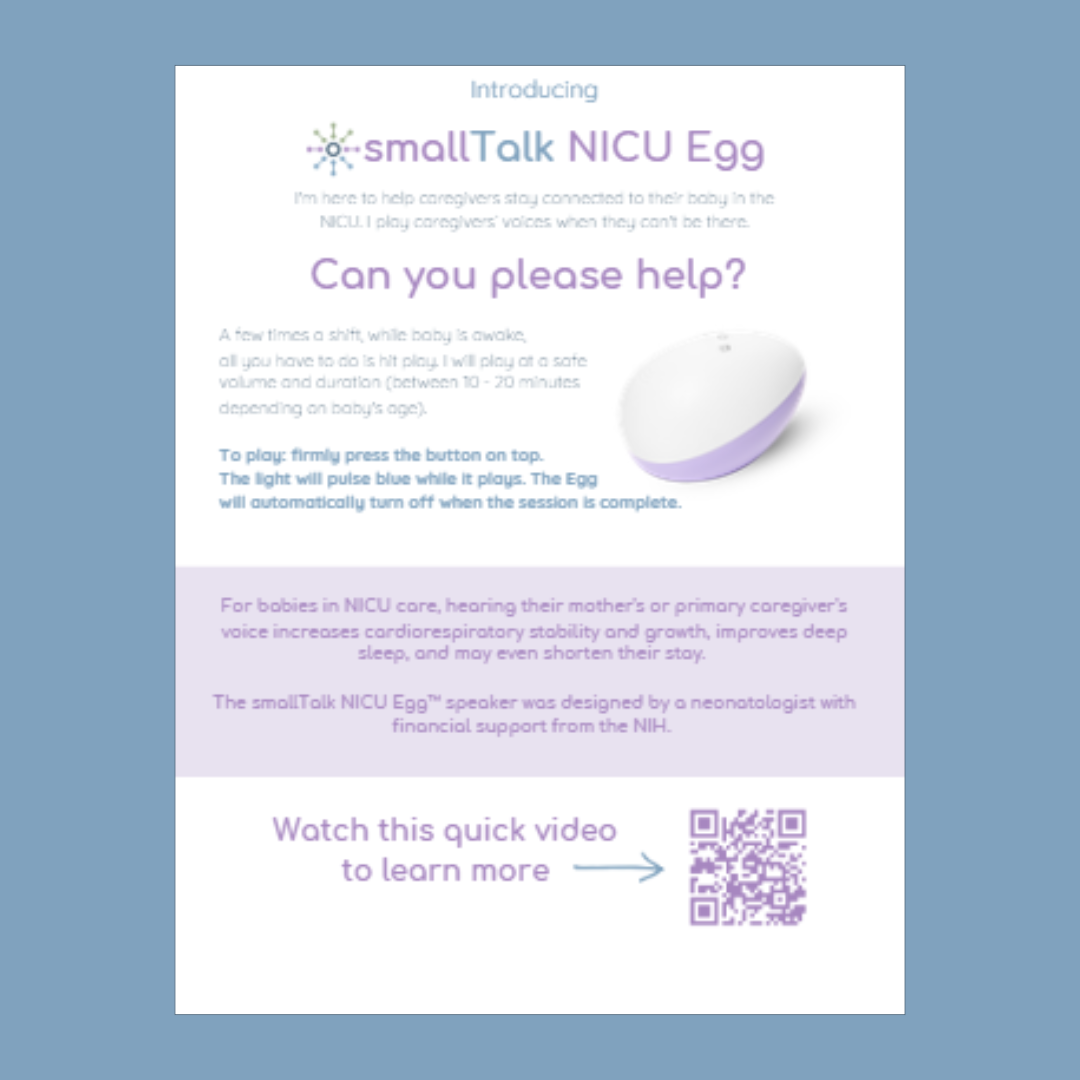
Nurse Flyer
A printable flyer with information for the nursing staff, as well as a QR code directly to a short training video.
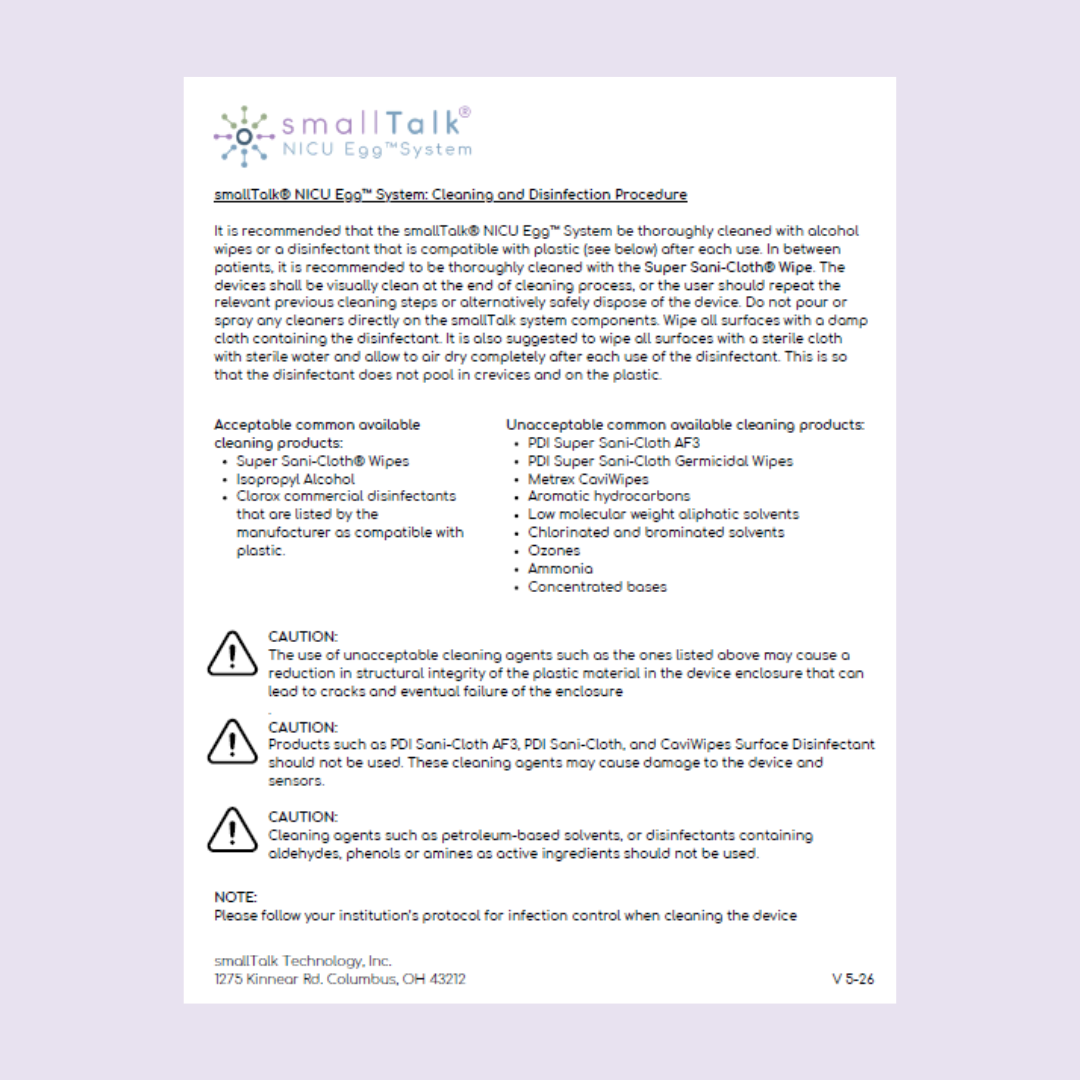
Cleaning Procedure
The NICU Egg’s full cleaning and disinfection procedure.

Staff Brochure
A detailed brochure of the smallTalk NICU Egg system, complete with background information and references.
Frequently Asked Questions
-
The NICU Egg is designed for medically stable infants 28 weeks postmenstrual age and older.
-
Charging must always be done away from the baby. Plug the power cord into the power block, connect the other end to the charging pad, and plug it into an outlet. Place the Egg on the charging pad — the charging indicator light will flash blue while charging and turn solid blue when fully charged. The battery indicator flashes red when the battery level drops below 20%.
-
For parents or care teams on the starter system: Use the NICU Egg for Parents app to create recordings, make playlists, and transfer to the Egg. Download the app here
For care teams on the enterprise system: The NICU Egg for Hospitals app to connect and manage parent accounts, and transfer playlists to the Egg. Download the app here:
-
Use either app to create an account, make recordings, and assemble a playlist. Playlists must be 3–15 minutes long.
To pair: tap "Connect an Egg," hold the button on the Egg for 3 seconds until the pairing light pulses blue, then select "Connect" in the app.
Once paired, select "Transfer New Playlist," choose your playlist from the 3-dot menu, then tap "Transfer to Speaker."
You'll be asked about the infant's postmenstrual age and whether they're in an incubator or open crib — answer these before tapping "Begin Transfer."
Transfer is complete when the power light turns off. Tap "Disconnect from the Egg" to finish.
Getting Started
-
Press the single button once to start playback. Press it again to stop. The playlist will play for the programmed duration (10–20 minutes) and then stop automatically. The power light will pulse blue while content is playing. Volume is set to a safe level audible to the infant.
-
The NICU Egg automatically sets volume and duration based on the infant's age and location (incubator vs. open crib) that you enter during file transfer. You can only adjust these settings at the time of transfer — not during playback. Volume is
Volume is set at 50 dba in the incubator, and 55 dba in the crib
Duration 10 - 20 minutes depending on PMA
-
If the speaker flashes red 5 times when you press the button, it means there is no playlist loaded on the device. Use the companion app to transfer a playlist before attempting playback.
-
The NICU Egg is designed for medically stable infants 28 weeks postmenstrual age and older.
Playing a few times per nursing shift during wakeful periods is recommended.
Place the speaker approximately 10 centimeters (about 4 inches) from the infant's head.
Always follow safe sleep practices.
Playback
-
Do not immerse the speaker in water or any fluid. Do not place the speaker in direct contact with the infant. The charging pad and power cord must never be used inside an incubator or crib, or placed near the infant.
-
Pairing: Pulsing blue = pairing mode · Solid blue = successful connection · Flashing red = no connection
Power: Pulsing blue = playing · Flashing red = no playlist or resetting
Battery: Flashing red = low battery · Flashing blue = charging · Solid blue = fully charged
Safety
-
It is recommended that the smallTalk® NICU Egg™ be thoroughly cleaned as needed with the PDI Super Sani-Cloth® Germicidal Wipes, alcohol wipes, or a disinfectant that is compatible with plastic. View the full cleaning procedure.
-
Do not use PDI Sani-Cloth AF3, CaviWipes Surface Disinfectant, petroleum-based solvents, or disinfectants containing aldehydes, phenols, or amines as active ingredients. These can damage the device and its sensors.
-
Hold the button for 10 seconds to clear all content — the power light will flash red 5 times to confirm. To verify the device is empty, press the button once; it will flash red 5 times, indicating no playlist is stored.
Cleaning & Maintenance
-
Parents need to create an account and consent to connecting to your hospital via the NICU Egg Parent app. In the section marked “Care Team,” parents search for your hospital name, then follow the directions to accept the connection.
You can also send a connection request to the parent by searching for their email address in the NICU Egg Hospital app. They accept the connection via email or within the parent app.
-
Yes, our system is HIPAA-compliant and monitored by Drata.
-
You can access all the training materials, as well as printable flyers here.
-
Yes, there is a short nurse training video and optional quiz here.